
Making investment trade-offs clear.
Could a non-specialist build a portfolio and trust the numbers?
Try thisPick an amount, set two strategies and press Construct. Then move one slider: every chart redraws.
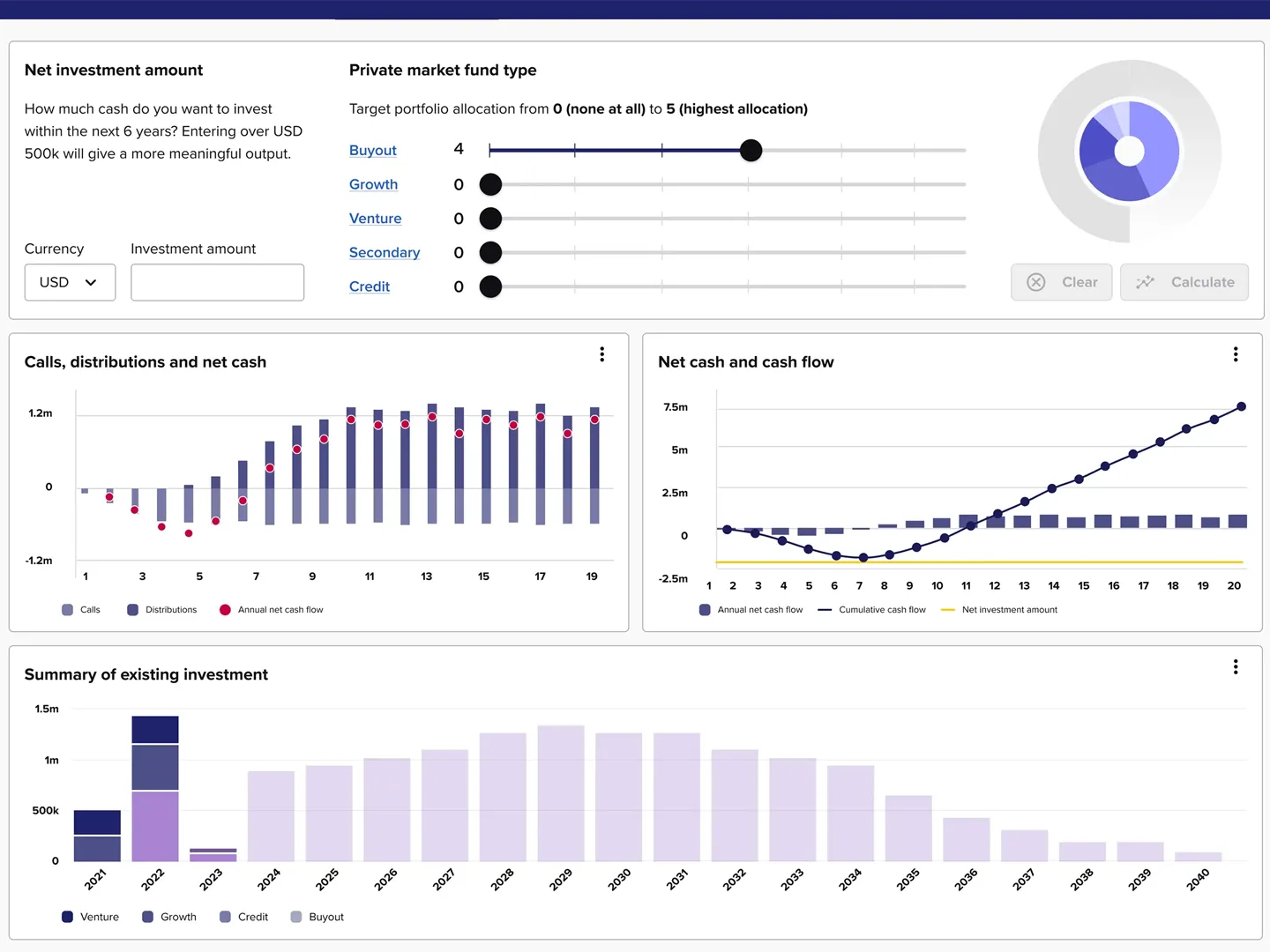

Working prototypes of customer portals, onboarding flows and internal tools. Your team clicks through the real states and edge cases that mockups skip, before engineering commits.

Twenty years solving difficult product problems.Fintech, enterprise software and operational tools.
Designed with teams at





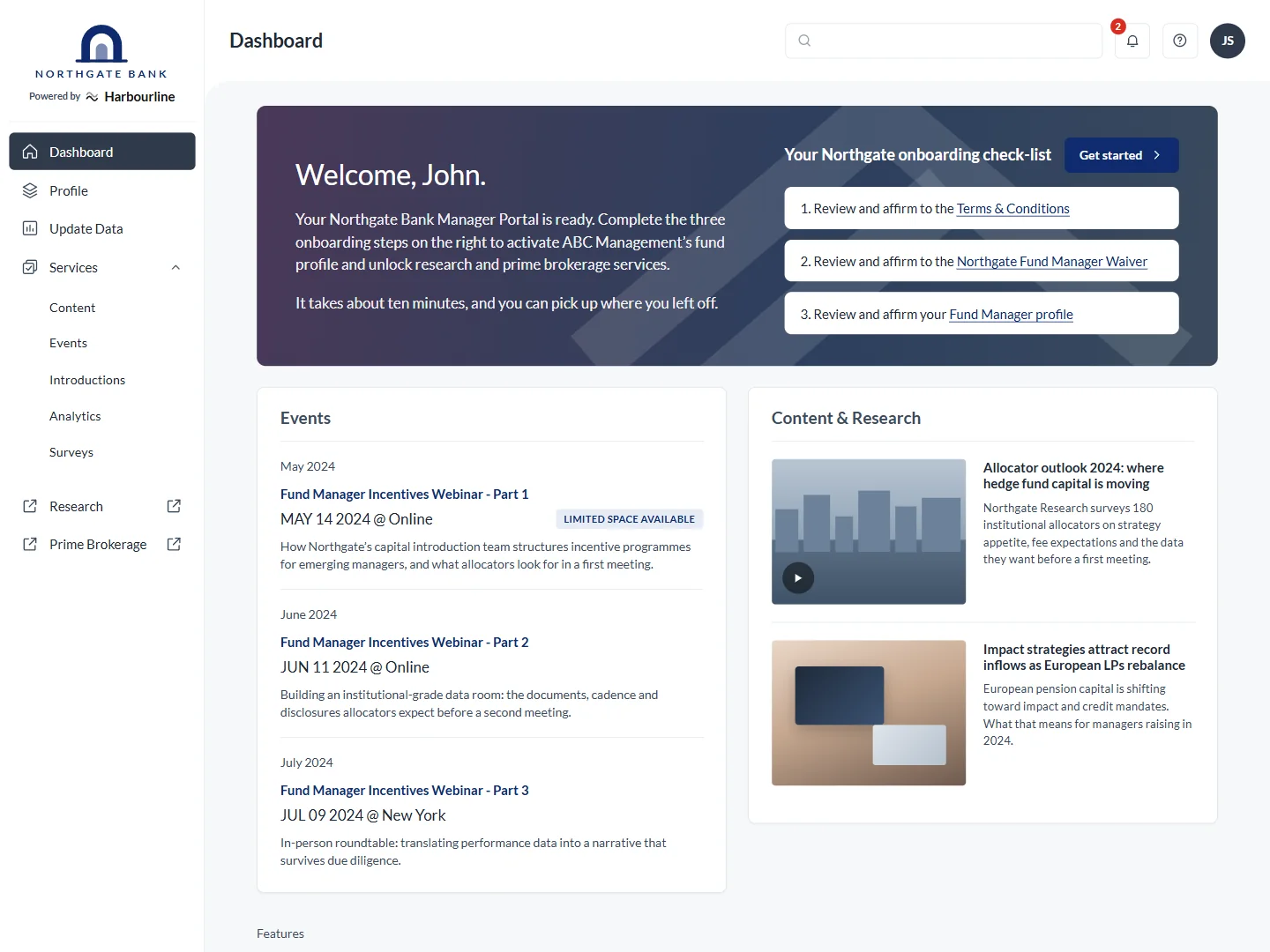
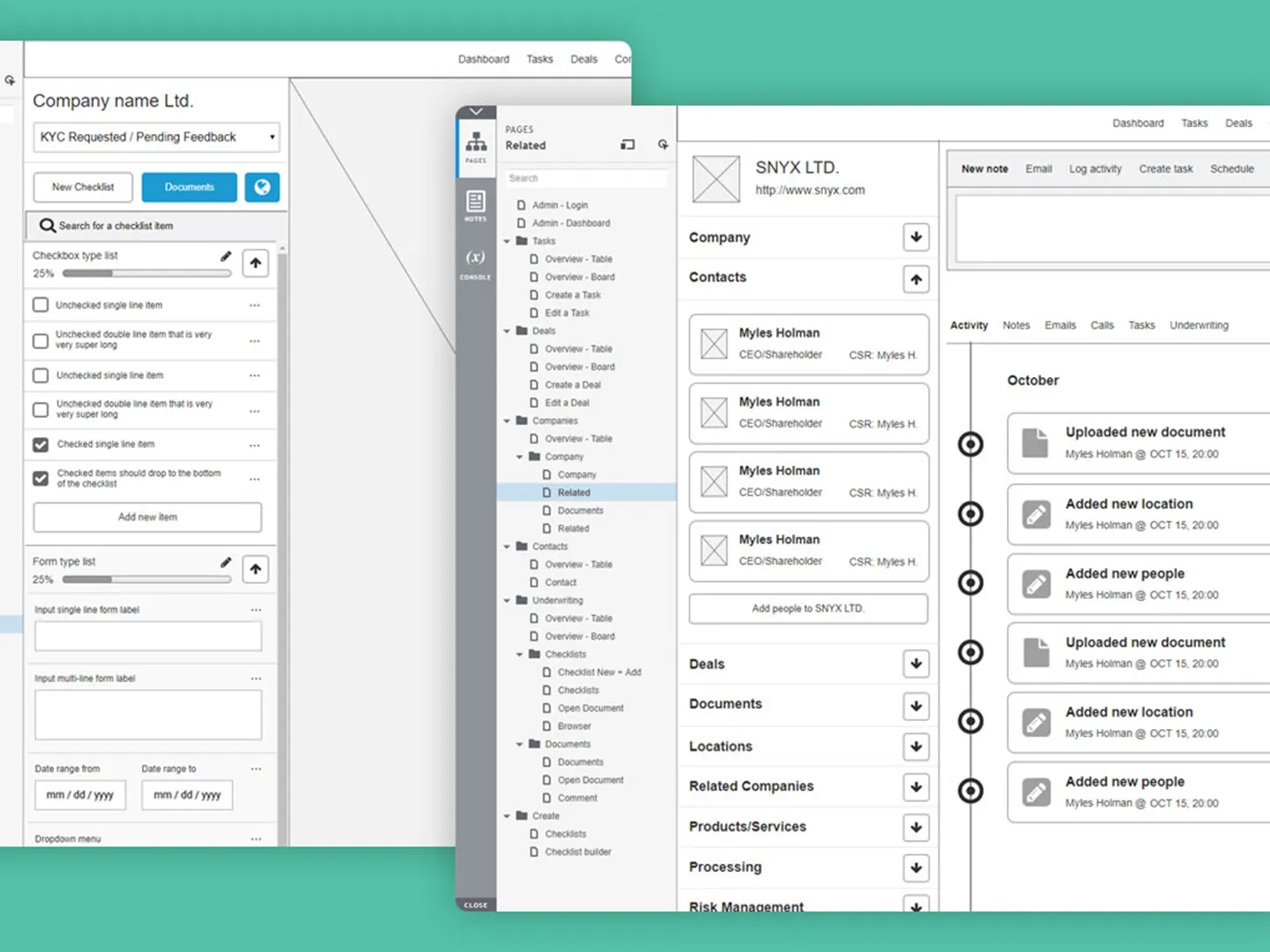
Reconstructed from client projects with synthetic data. Open them and click around.
Could a non-specialist build a portfolio and trust the numbers?
Try thisPick an amount, set two strategies and press Construct. Then move one slider: every chart redraws.
Would fund managers complete the process or go back to email?
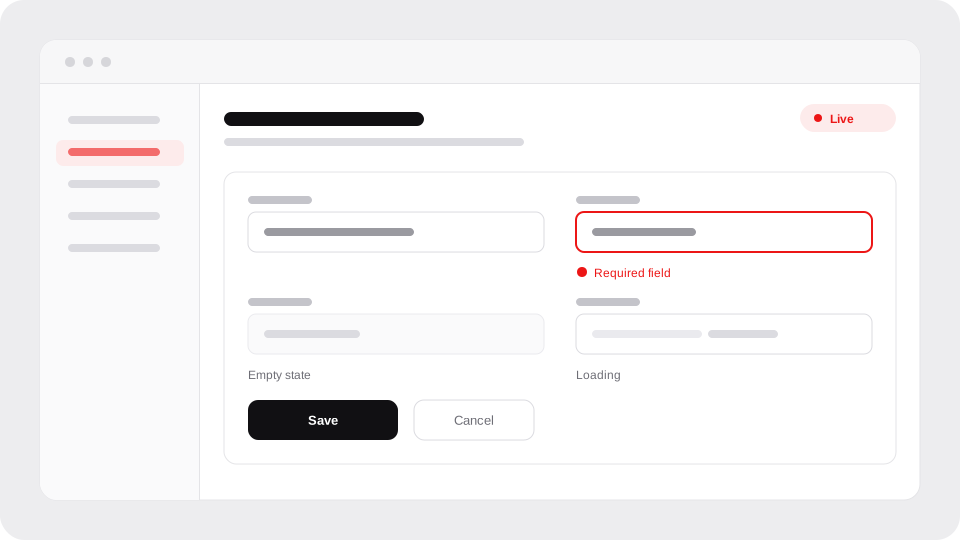
Try thisLeave a required field empty and see the workflow catch it. Then fix it and send for confirmation.
Onboarding and risk assessment for a merchant services provider.
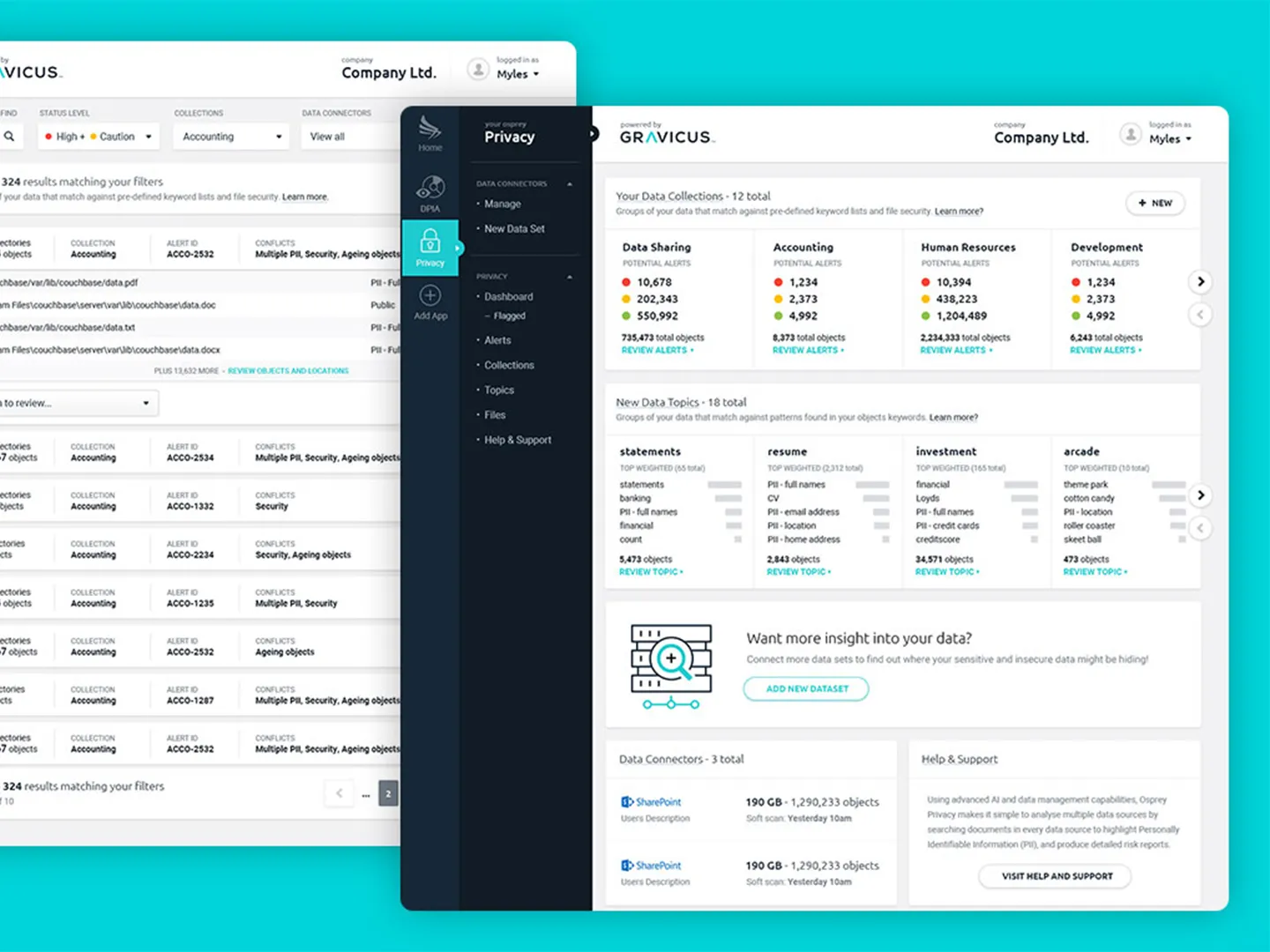
Scan unstructured data, automate GDPR controls and visualize risk.
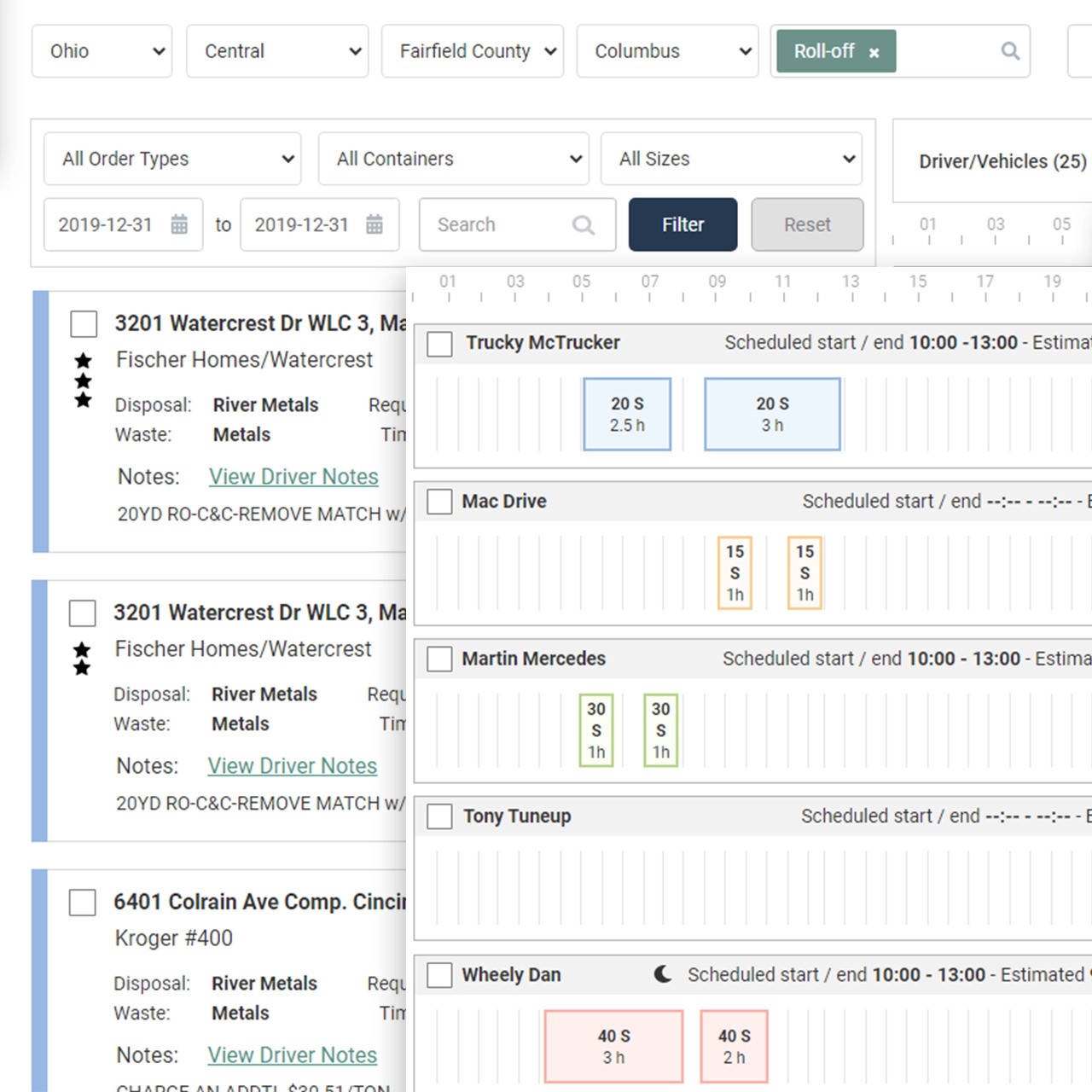
End-to-end dispatch: work orders, driver and vehicle matching.
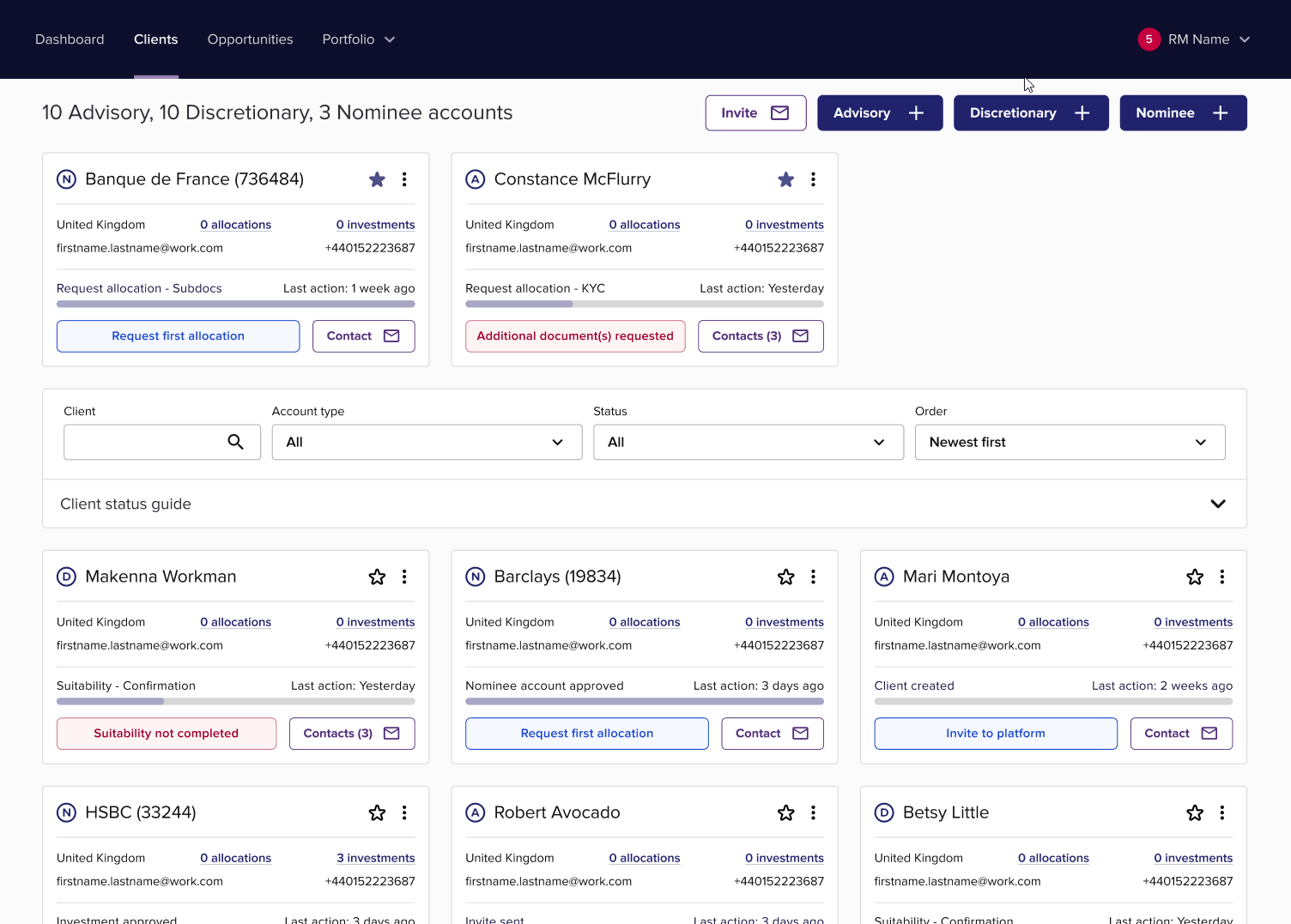
A Kanban-style onboarding tracker for compliance and success teams.
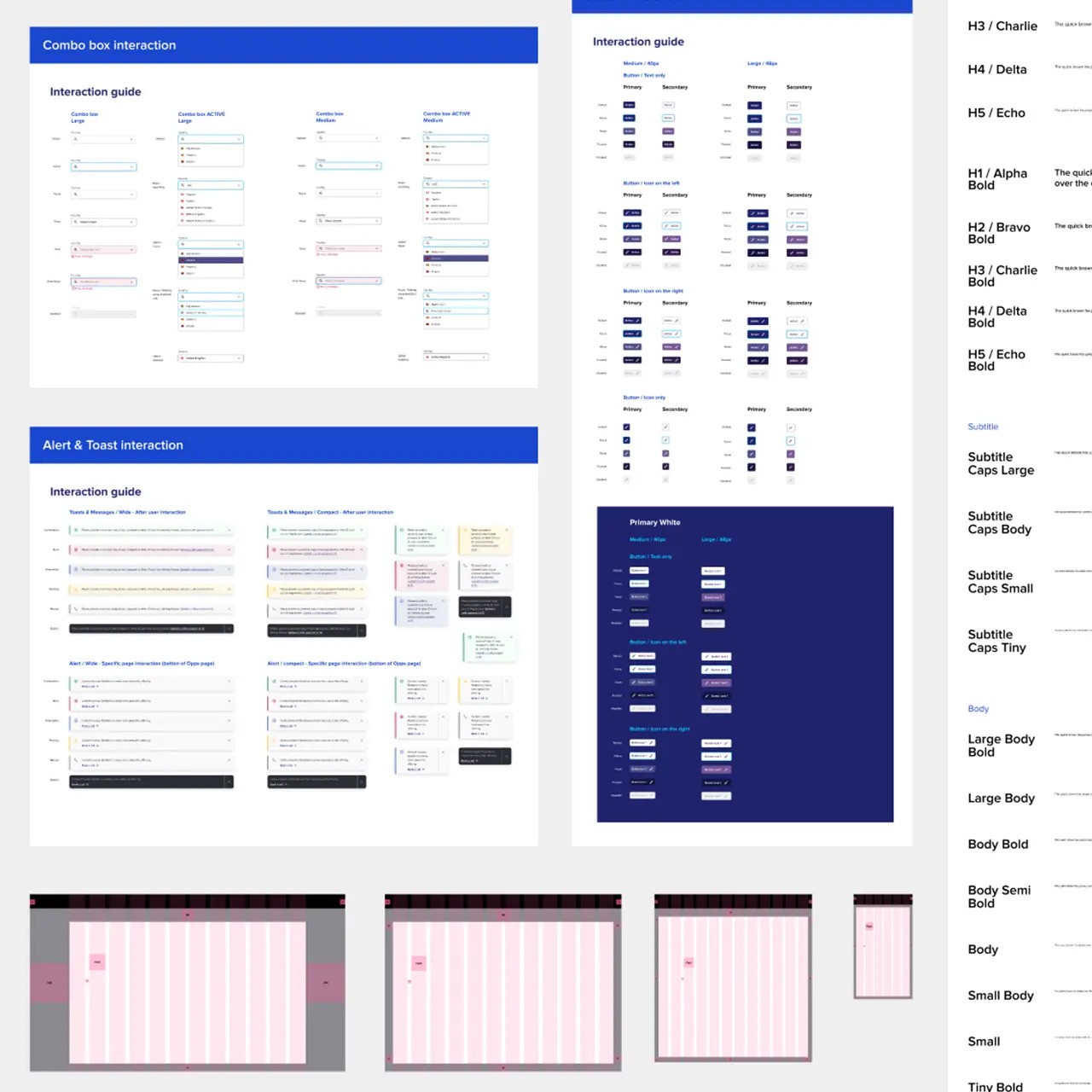
Tokens, components and usage aligned across design and engineering.
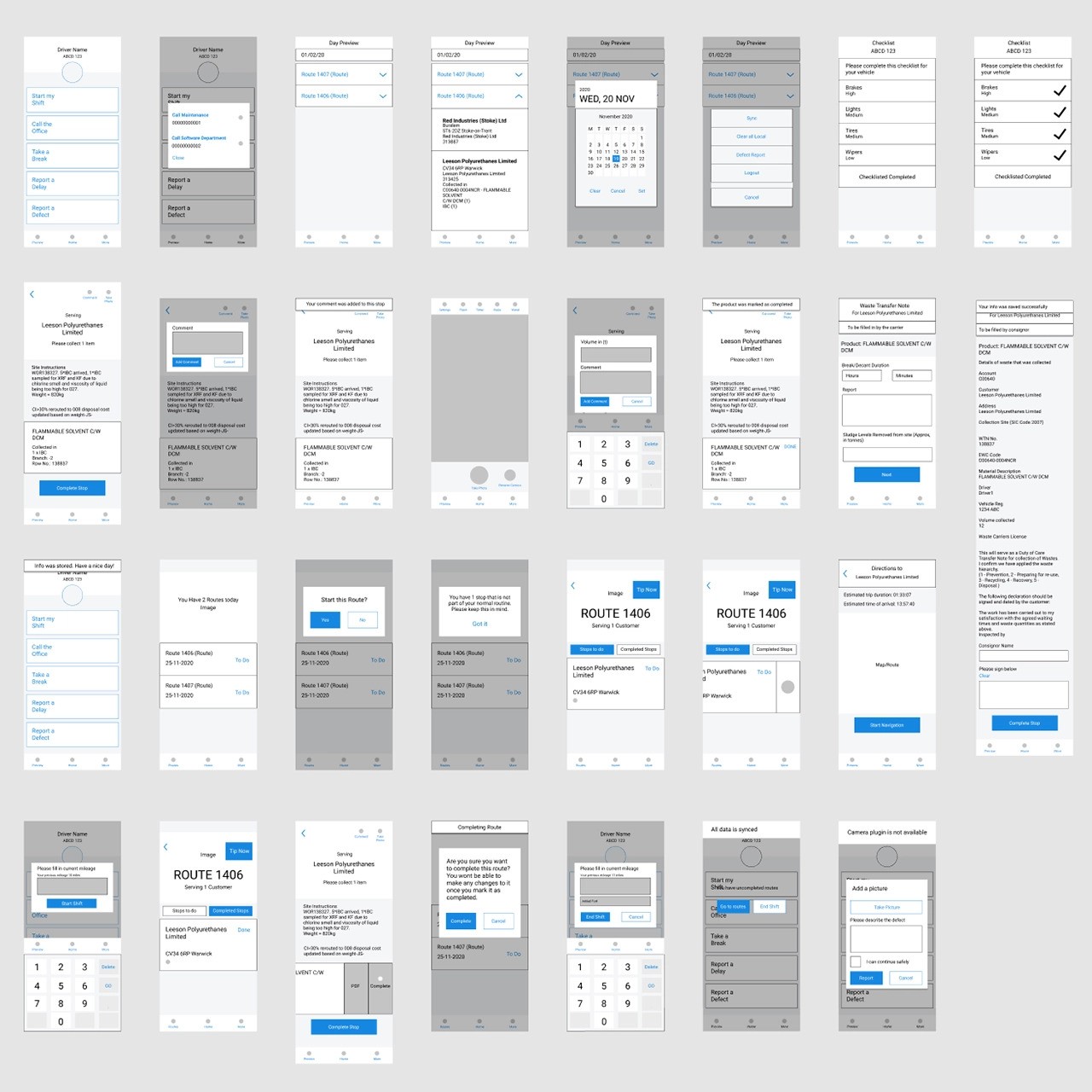
Live driver orders and route management in a native/hybrid app.
A review of your live product, or a workshop on the idea if you have none. You get ranked problems and a build shortlist.
Week 1
Your team comments right on the screens and the prototype is refined every week. A Footprints report lands each Monday.
Weeks 2–4
You keep everything: the prototype, source, components, tokens and a recorded walkthrough. Nothing is locked in.
Week 4
The decision is agreed first. Then the key journey is built as something your team can use, with the real states and keyboard paths a mockup skips. Realistic synthetic data means people react to the workflow itself.
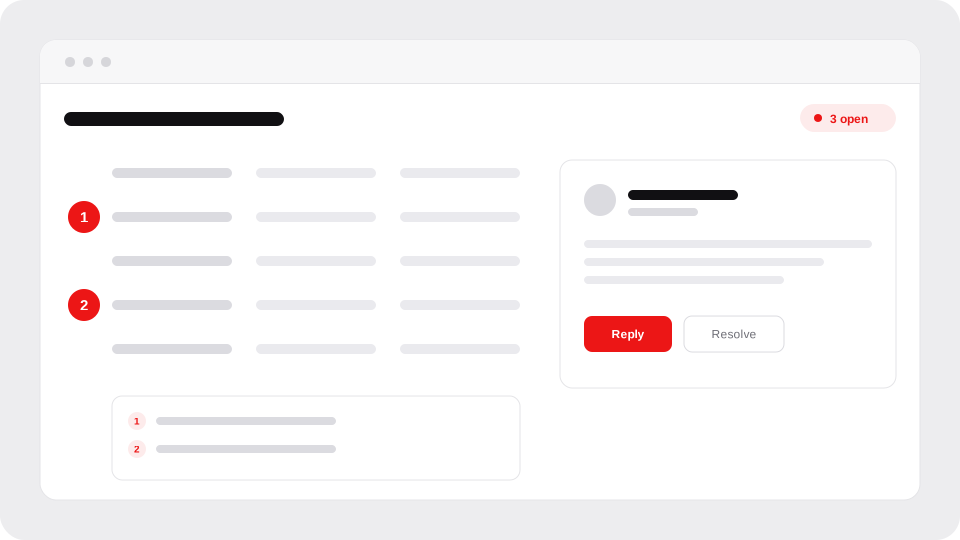
Your team comments directly on the screens, so you get a prioritised list instead of a long thread. When testing is in scope, real users try the journey while you watch where they hesitate or give up.
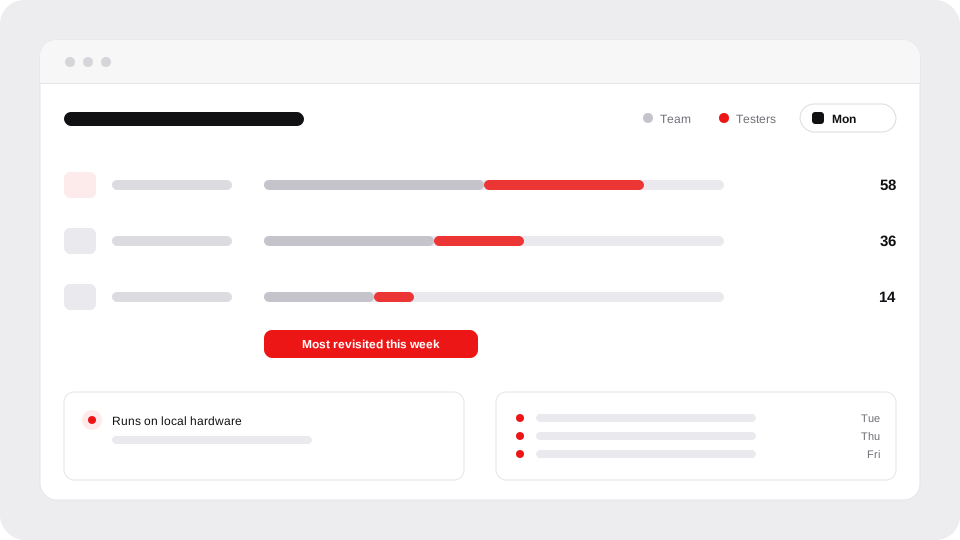
Every Monday you get Footprints: where your team, stakeholders and testers spent their time, what they said and what changed. Tracking runs on local hardware, not a third-party service.
The work leaves with you.
Built in your design system when you have one. Nothing is locked in.
Scope, price and dates are agreed before any work begins.
Review a workflow, brainstorm one or dive in.
$2,000 about a week£2,000 about a week, ex VAT
Credited in full if you carry on.
One agreed workflow, working end to end.
From $5,000 4+ weeksFrom £5,000 4+ weeks, ex VAT
An audit or workshop first is credited in full.
Five moderated sessions with your target users.
From $8,500 6+ weeksFrom £8,500 6+ weeks, ex VAT
Recruitment and incentives are charged at cost.
One journey is the core flow, with every interaction state and outcome. More is quoted from the audit or workshop. Another build, comment and revise loop is $1,000£1,000 ex VAT.
Email works too: [email protected]
Real screens and working interactions on a link your team can open and click through, not a recorded demo. Desktop first, since that is where heavy data usually sits, though the same prototype can be made responsive for the road or built as a native app when the job calls for one. It’s built for keyboard and screen reader use, with colour contrast checked against WCAG 2.2 AA so access problems show up while they’re still cheap to fix.
Sure. The happy path comes quickly, whoever builds it. The slower part is everything around it: the pop-ups, the permission, error and empty states and the keyboard paths, each one a call about what the customer sees next. Those calls are the UX and CX side. Settling them in a prototype first means the build starts from decisions that are already made.
Yes. The handover has the source, components, design tokens and a recorded walkthrough. The work can also sit inside your design system if you have one. A Figma file and a design system are available as an extra. Taking it into production is scoped separately.
A signed NDA is in place before you share anything. Prototypes normally use synthetic or anonymised data in a private, login-protected environment. If your team needs the work inside its own approved stack, that can be planned for. The privacy page covers how prototype environments are run and what happens to them when a project ends.
Dates are agreed up front and can move around your team’s availability. There’s one point of contact, so a change is a quick conversation.
You work with me directly, from the first call to the handover. Twenty years on difficult product problems in fintech, enterprise software and operations.
Recent work at Titanbay, Edgefolio, Zing.gg, Gravicus and ISB Global. Full record on mylesholman.com.
“Provided a full product design from a bare specification. I’m a developer myself and I must say that working together was a great pleasure.”
Marcin Szamotulski – Engineering Lead
Blockchain infrastructure research
Bring the rough idea, the workflow nobody can agree on or the screen in your product you like least.